Active-Tab DOM Capture
Clicking the toolbar icon reads the already-rendered DOM from the active tab (sourceTabId), avoiding an extra cold HTTP fetch on pages you already have open.
An overview of how WebPullBook extracts multi-chapter web content, handles dynamic pages, formats EPUB 2 and EPUB 3 archives, and manages local caching.
WebPullBook combines structural DOM scoring, heuristic discovery, and browser tab capture for both static HTML pages and client-rendered JavaScript sites.
Clicking the toolbar icon reads the already-rendered DOM from the active tab (sourceTabId), avoiding an extra cold HTTP fetch on pages you already have open.
Scores link clusters and prose density (using the "Innermost Node Wins" rule), supports <br>-separated paragraphs, and extracts JSON-LD @graph, Open Graph, and volume headings on generic HTML sites.
Detects unhydrated SPA shells and renders chapters in a single reusable background tab (TabRenderPool), waiting for DOM mutations to settle and pausing if an anti-bot challenge appears.
In Advanced Options, click Pick to select the chapter list, chapter body, or excluded elements directly on the page, or run the automatic selector assistant.
Custom CSS selectors and regex filters stay restricted to the current site session or saved Domain Rules, with automatic fallback to the native adapter if a custom list selector matches zero chapters.
When a site does not have an index page, WebPullBook can start from a chapter URL and follow sequential "Next Chapter" links automatically.
Reader Profiles are fixed presets available in the Series tab and in Advanced Options. Picking a profile configures EPUB version, pop-up footnotes, cover JPEG conversion, image compression, resolution, and typography at once.
| Reader Profile | EPUB Standard | Pop-up Footnotes | Cover JPEG | Image Optimization | Max Resolution | Recommended Target |
|---|---|---|---|---|---|---|
Modern Default (modern) |
EPUB 3 | Yes | Yes | Original (uncompressed) | Original | Phones, tablets, Apple Books, Thorium, Calibre Viewer |
Kobo & E-Readers (kobo) |
EPUB 3 | Yes | Yes | Compressed JPEG | 1080px | Kobo (including Clara/Libra Colour), Tolino, PocketBook |
Kindle (Modern) (kindle-modern) |
EPUB 3 | Yes | Yes | Compressed JPEG | 1200px | Calibre KFX/AZW3 conversion via USB, Kindle Colorsoft, modern apps |
Kindle (Legacy) (kindle) |
EPUB 2 | No | Yes | Compressed JPEG | 1200px | Send to Kindle email/web/app (compatible with Amazon's cloud converter) |
Text Only (textonly) |
EPUB 3 | Yes | Yes | Images skipped | — | Text-only books without inline images |
Legacy Default (legacy) |
EPUB 2 | No | Yes | Compressed JPEG | 1080px | Older Sony Reader, early Nook, CoolReader, legacy firmwares |
Custom (custom) |
User-defined | User-defined | User-defined | User-defined | User-defined | Activated automatically when any Advanced Option is edited |
Options for organizing volumes, reviewing chapter text before packaging, and handling cover and inline images.
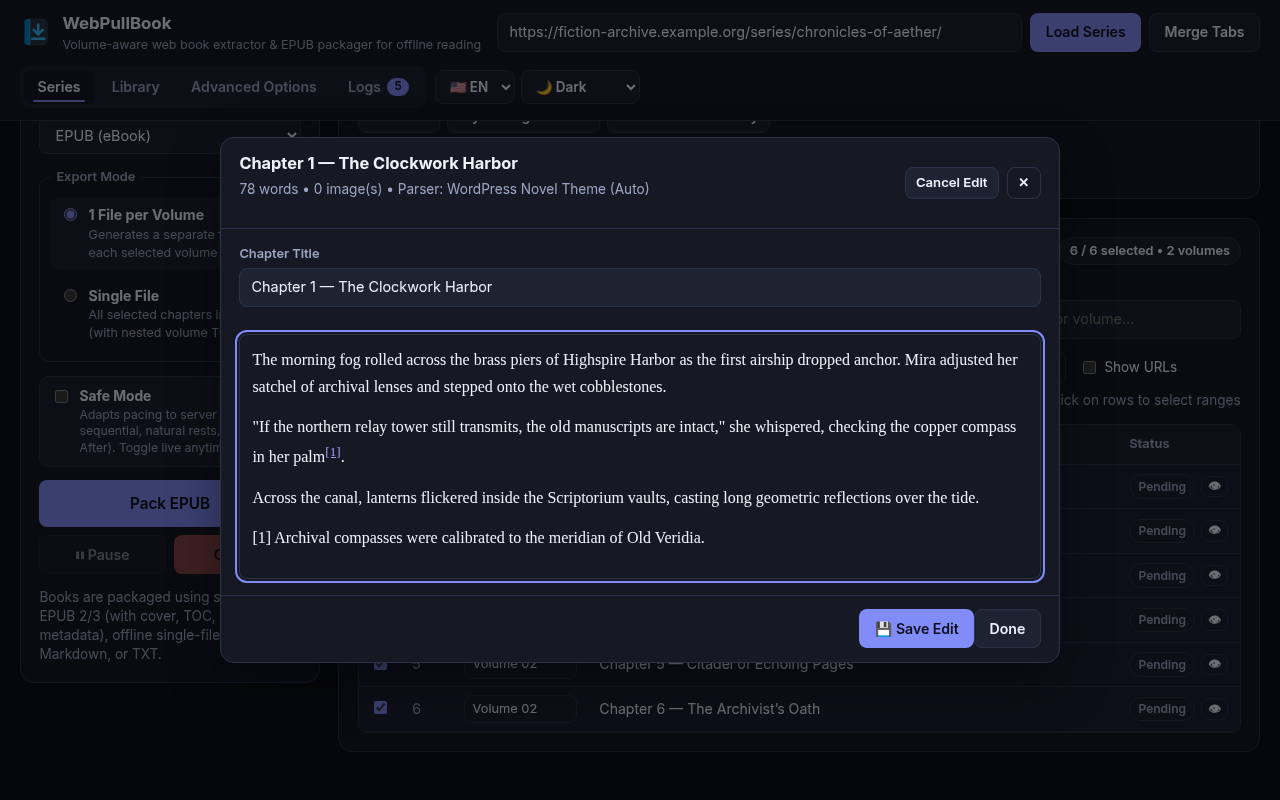
cover.xhtml): Uses the detected book cover, a local uploaded image, or automatically generates a default cover with the WebPullBook logo emblem, title, and author when no cover is found on the page.info.xhtml): Optional front page displaying title, author, language, chapter count, genre tags, source link, and synopsis.nav.xhtml / toc.xhtml): Placed at the beginning of the book when enabled, supporting nested volumes.end.xhtml): Optional closing page with a custom message, book summary, source link, and generation date.Ctrl+Click and Shift+Click on volume chips and chapter rows.Tools for pacing requests on rate-limited servers, resuming interrupted downloads, and tracking ongoing works.
Toggle Safe Mode during an export to use 1x sequential requests, dynamic latency backoff, batch rest pauses, and Retry-After headers—or set a manual delay between chapters (0–30,000 ms) in Advanced Options.
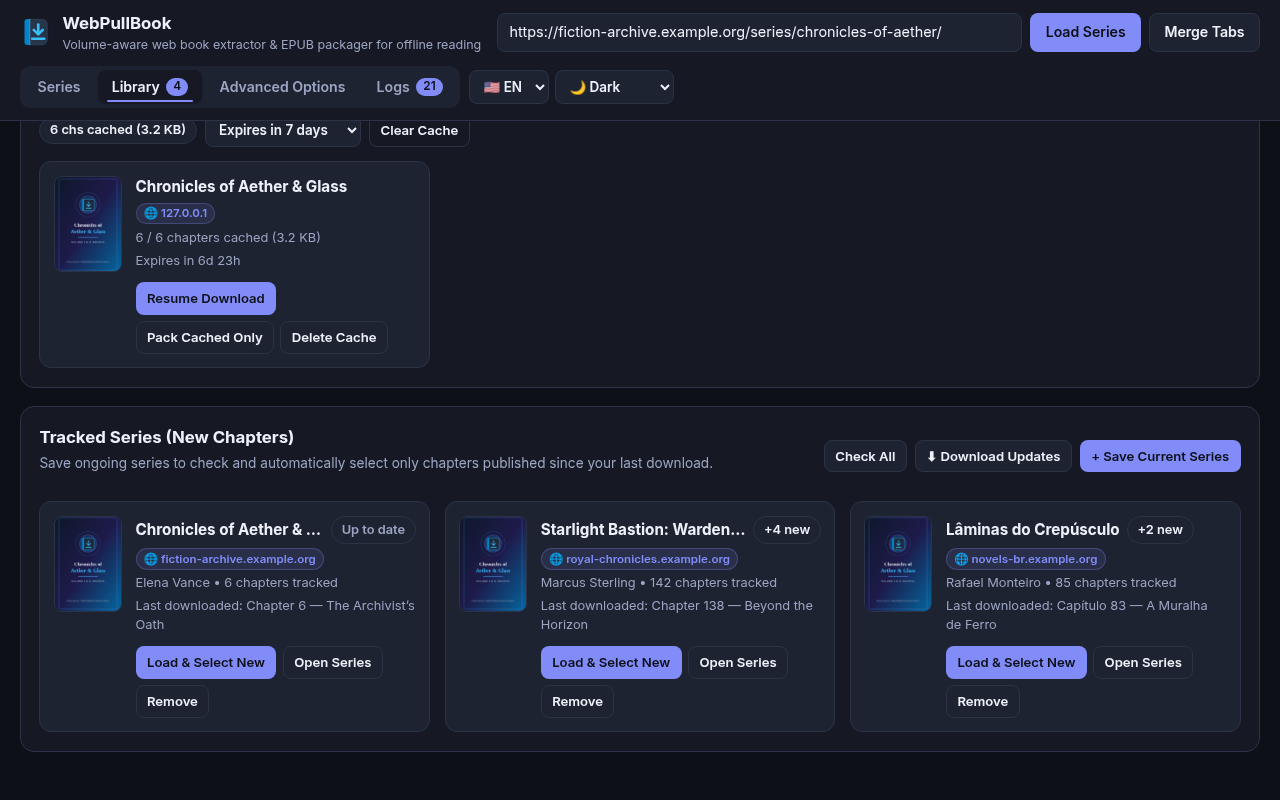
Downloaded chapters are saved in local IndexedDB (up to 64 MB, configurable TTL from 1 to 14 days) so interrupted downloads can resume without re-fetching completed chapters.
Save series to your local Library (viewed unified or grouped by site), check for newly published chapters, and export unread chapters across tracked works with Download Updates.